Powerful Views and Layouts
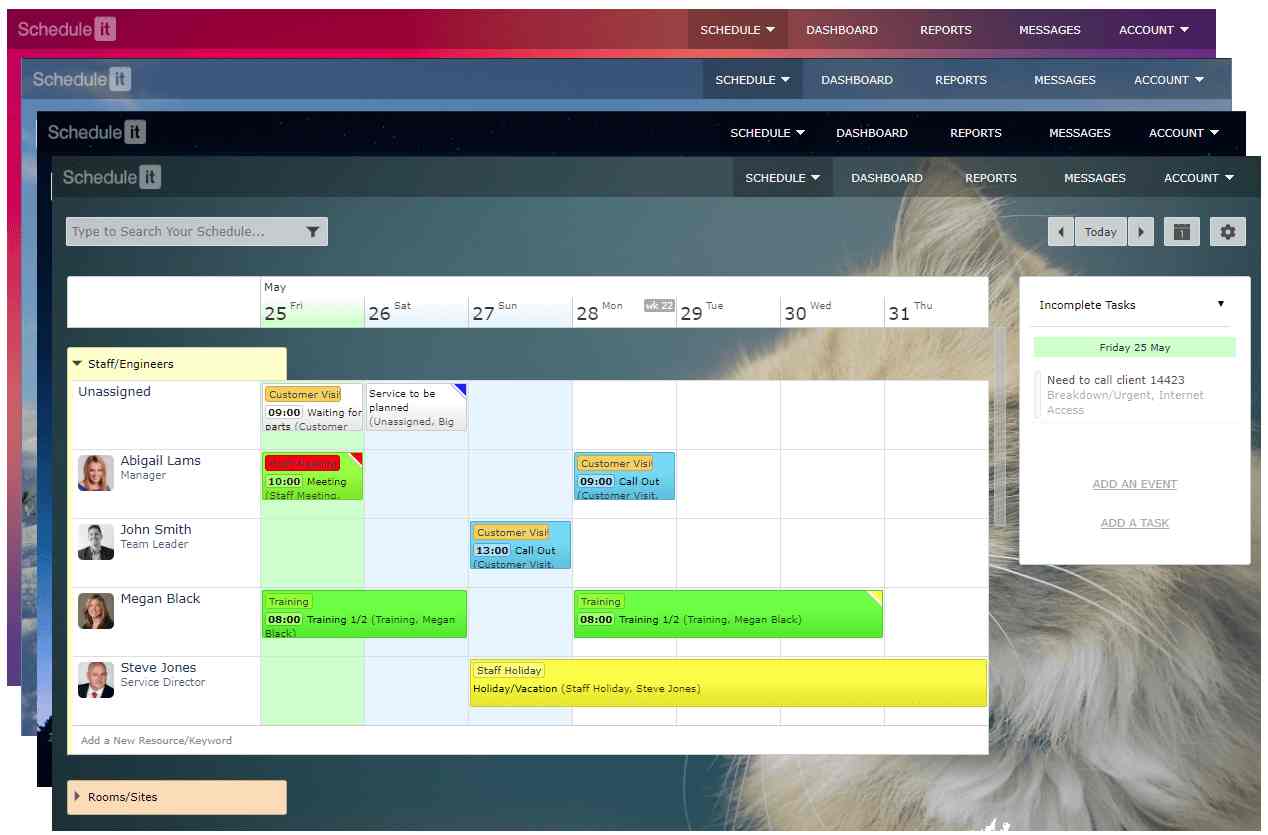
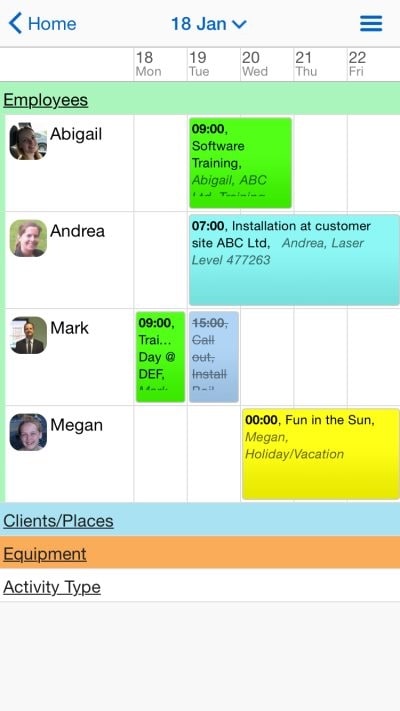
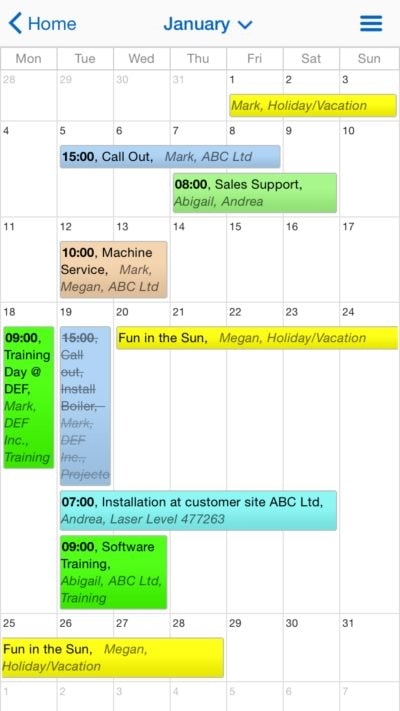
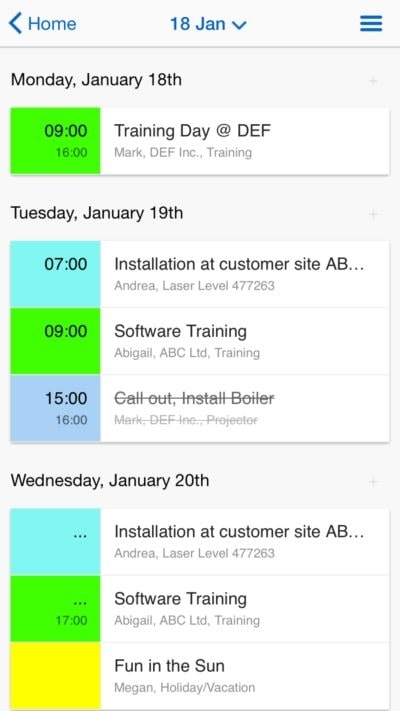
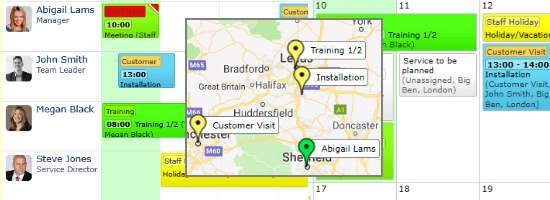
Show your entire workload in a Timeline for 1 day or up to 1 year, or on Kanban boards, in traditional month, week and day Calendars, simple Lists, Gantt charts or a Map to see the location of all assets and planned work. You can choose and switch between the views as needed.
Quick and Easy, Drag and Drop Scheduling
Add, edit, move and reallocate events with a simple mouse click or move. Quick resource allocation and the ease of updating your schedules will save you hours of time, while the assistant prevents over booking and ensures any critical skills are covered.

Schedule People, Equipment, Projects, Clients and More
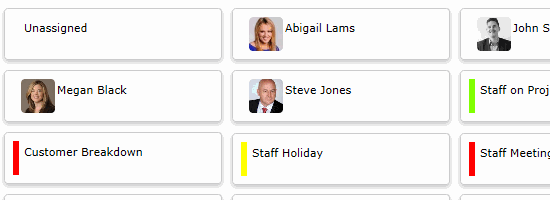
Schedule any type of resource and asset with all your groups of resources in one place. Plan all your people, clients, projects, equipment, training, tasks and any other important activities you need to track. No limit to the type and number of resources you can plan.
Tagging and Categorising Events
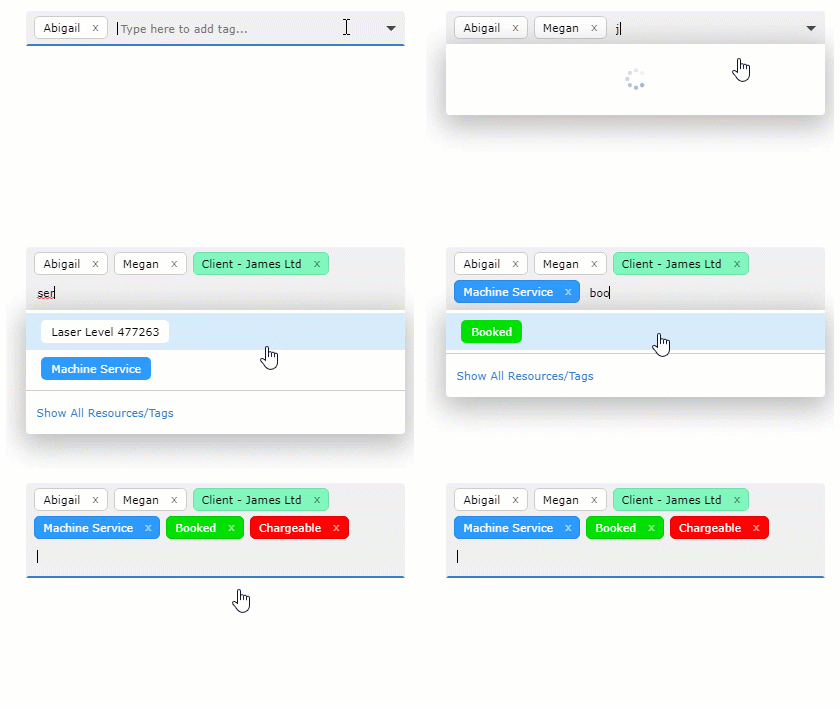
Understand who is working on an event, who it is for and what is needed. Tag people, clients, the work type, needed equipment, order status, payment status and so much more with unlimited tagging. You can have any resources and tags then add rapidly by typing or selecting from a list.
Reports and Statistical Analysis
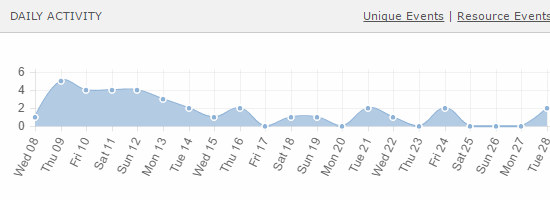
Quickly get reports on any of your resources or events. Fully customizable reports for time-sheets, order forms, booking sheets, job cards and so much more. Easily see utilization and other statistical information for your planned resources. View online or export to other tools like Excel.
Access Anywhere on Any Device
You and your users can access the schedules on the devices you already have. Use on any device with our desktop software, web access and mobile apps. You can also view in other tools like Outlook, Google Calendar, Apple iCal and more.

Unlimited Event History and Audit Trail
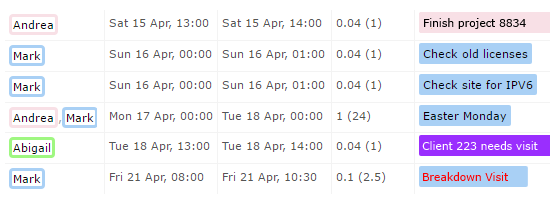
Keeping track of who did what and when is critical. Full event history and an audit trail for all your people, clients and other resources. Once an activity is planned, it's never lost and always available for viewing and reporting on at anytime.
Workflow Automations and External Integrations
Automate manual tasks and save hours of time. Integrate and share your schedule and resources with tools you already use. Receive schedule alerts, reminders and updates in your favorite communication tools. Share your scheduling data with other software and services.
See more information on the possible scheduling integrations.
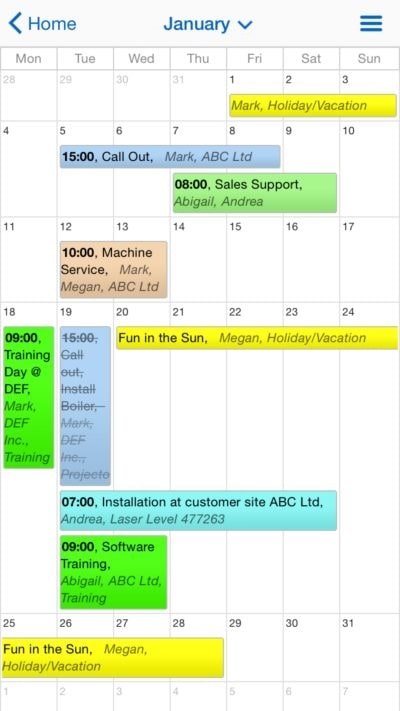
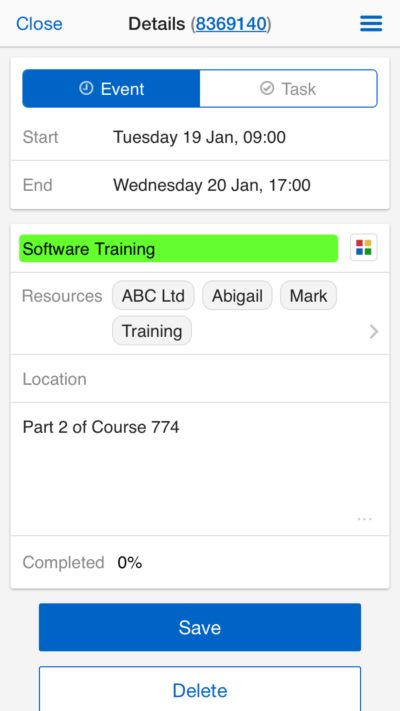
Planning and Scheduling App
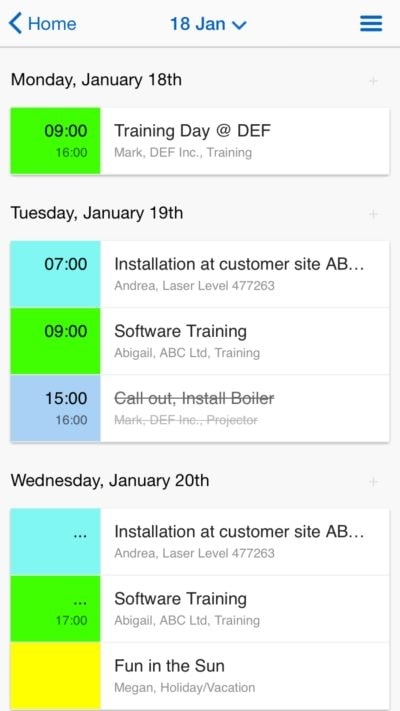
Allow staff in any location with any device to view and update all planned jobs.
Check-in when arriving, give live feedback to the office as the job progresses, get the client to sign confirming of their satisfaction and check-out when leaving.